Official JeetKing Game Android Download Guide
This page is an official JeetKing Game Android Download guide, created to help Android users safely download and correctly install the JeetKing Game APP.
The primary purpose of this guide is to solve real user problems—including how to download the official APK, how to install it properly, how to fix common installation errors, and how to avoid fake files or security risks—so you can start using the JeetKing Game APP smoothly and securely on your Android device.
✓ Step-by-Step Installation
✓ Error Solutions Included
How to Download the Official JeetKing Game Android APK Safely?
If your goal is to download JeetKing Game on an Android device, follow the steps below carefully. To protect your device and account, always download the APK from the official JeetKing Game website only.
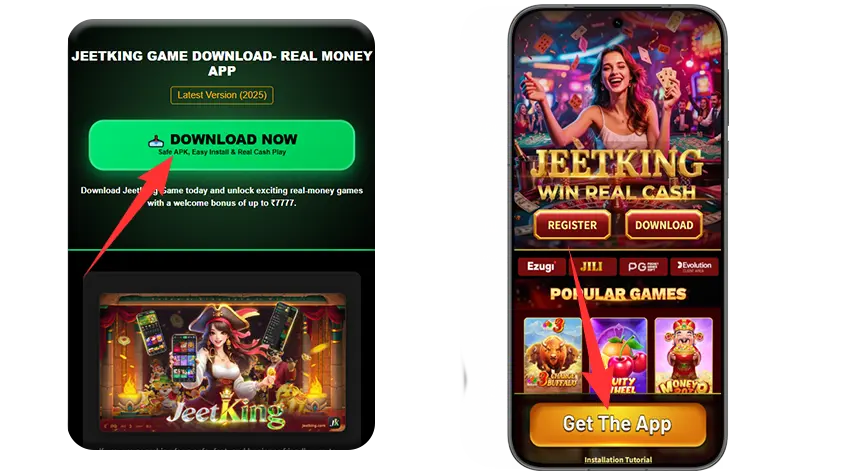
Official Android Download Steps
1Visit the Official JeetKing Game Website
Open your Android browser and go to the official JeetKing Game download website.
2Find the Android Download Entry
On the homepage or download section, look for:
- "Download Now"
3Tap the Download Button
Click the Android download button and confirm:
- File name: JeetKing Game APK
- File size matches the official version
4Confirm the Download Prompt
Android may show a security notice. Tap Download anyway to continue.
5Wait for the Download to Complete
The APK file will usually be saved in your device's Downloads folder.
How to Install the JeetKing Game APP on Android Without Errors?
After completing the JeetKing Game APK Download, follow the steps below to install the APP correctly.
Installation Steps
1Locate the APK File
Open File Manager → Downloads
Find the JeetKing Game APK file you just downloaded.
2Start the Installation
Tap the APK file and select Install.
3Grant Required Permissions
During installation, the APP may request permission for:
- Storage (to save game data)
- Network access (to connect to servers)
These permissions are required for normal operation.
4Installation Complete
Once installation finishes successfully, the JeetKing Game APP icon will appear on your home screen.
What Do You Need Before Downloading JeetKing Game on Android?
If you experience download or installation issues, check the following requirements:
- Android Version: Android 6.0 or above
- Storage Space: Enough free space for the APP and game data
- Internet Connection: Stable Wi-Fi recommended
- System Settings: "Install unknown apps" must be enabled
These checks help prevent most installation failures.
Why Should You Download the JeetKing Game APP on Android?
The JeetKing Game APP is optimized specifically for mobile users and offers a more stable experience than browser play.
Key advantages include:
- Faster loading and smoother gameplay
- APP-exclusive promotions and notifications
- One-tap access without using a browser
- More stable and secure connections
For Android users, the APP is the recommended way to play.
How to Log in to JeetKing Game After Android Download?
After installation:
- Tap the JeetKing Game APP icon to open the APP
- Existing users can log in directly, For detailed steps, please refer to the Login Guide.
- New users can complete quick registration and start playing, To learn more about the process, check our Registration Guide
Frequently Asked Questions (FAQ)
Is It Safe to Download JeetKing Game APK and How to Play Responsibly?
JeetKing Game emphasizes user security and responsible gaming. Official APK downloads use secure channels, and users are encouraged to:
- Download only from official sources
- Protect account credentials
- Play within reasonable limits
If you experience any issues, contact official customer support for assistance.
Conclusion
You can now safely complete your JeetKing Game Android Download by following the steps above.
Download the official JeetKing Game Android APK, install it correctly, and enjoy a stable mobile gaming experience on your Android device.
Last Updated: January 7, 2026